On-Page SEO in 2026: A Practical Checklist to Optimise Every Page
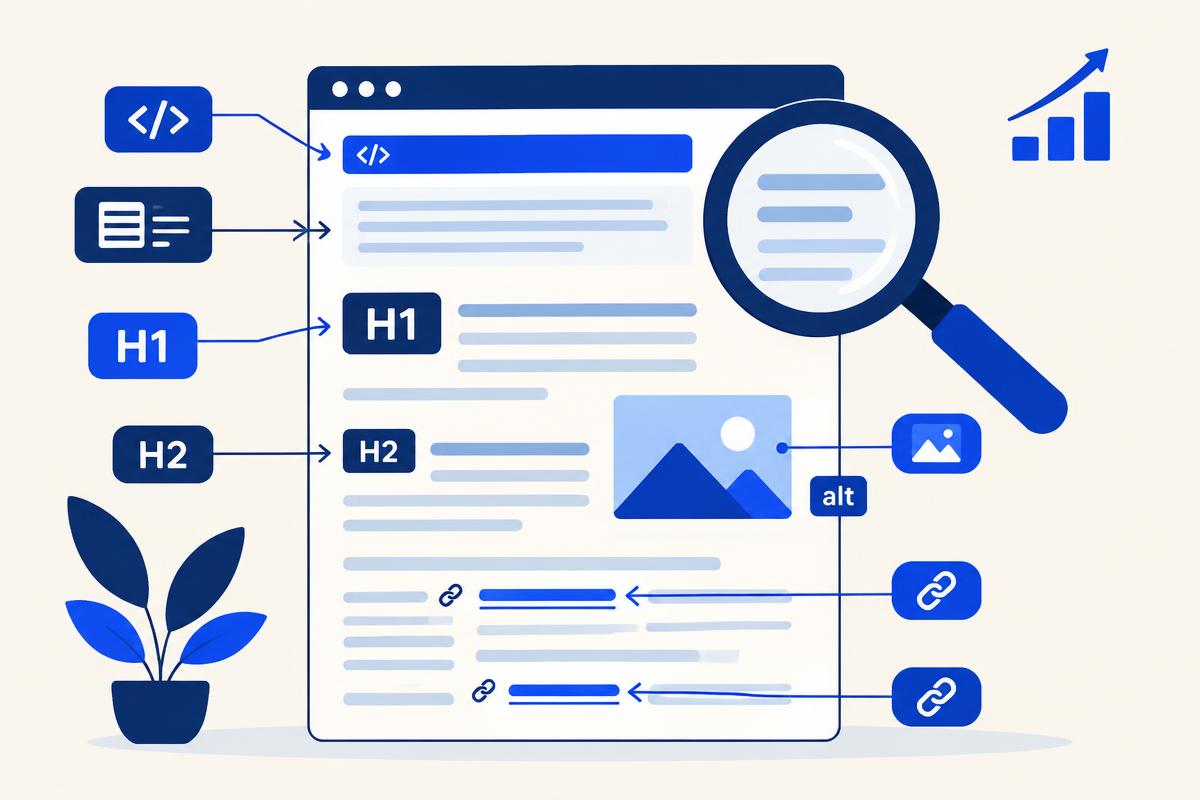
Most SEO advice focuses on things outside your control: algorithm updates, backlinks, competitors. On-page SEO is the opposite. It covers everything on the page itself — the words, the headings, the title in the search result, the images and the links — and you can improve all of it today.
It is also where many sites quietly lose rankings. A strong article with a vague title tag, a missing H1 or no internal links can sit on page three while a weaker page with clean on-page signals outranks it. This checklist walks through what to fix, in the order that usually matters most.
What on-page SEO means in 2026
On-page SEO (also called on-page optimisation) is the practice of improving individual pages so search engines understand them and searchers choose them. It sits alongside technical SEO, which handles crawling and speed, and off-page SEO, which covers links and mentions from other sites.
The goal has not changed, but the audience has grown. Google's own SEO Starter Guide still recommends descriptive titles, clear headings and helpful content — and AI search engines rely on the same structure when they decide which passages to quote.
The on-page SEO checklist
Work through these elements on every important page, starting with the ones that already get impressions.
1. Title tag
The title tag is the clickable headline in search results and one of the strongest on-page signals. Put the main keyword near the front, keep it under roughly 60 characters so it is not cut off, and make it specific enough that a searcher knows exactly what they will get. Every page needs a unique title.
2. Meta description
Meta descriptions do not directly affect rankings, but they shape click-through rate. Write around 150–160 characters that summarise the page, include the keyword naturally and give a reason to click. Google may rewrite it, but a good one is used far more often.
3. Headings (H1, H2, H3)
Use exactly one H1 that matches the topic of the page. Break the content into H2 sections and H3 sub-points in a logical order — never skip levels just for styling. Clear headings help readers skim and help search engines and AI tools extract self-contained answers.
4. Content that matches intent
Before writing, look at what already ranks. If the results are step-by-step guides, a sales page will struggle. Answer the main question early, cover the related questions people ask, and add something the other pages lack: real examples, original data or first-hand experience.
5. URL, images and internal links
Keep URLs short, readable and keyword-led (for example /on-page-seo-checklist). Give every meaningful image descriptive alt text and compress it so the page loads quickly. Finally, link to related pages on your own site with descriptive anchor text — internal links pass authority and help both crawlers and visitors find your best content.
Common on-page SEO mistakes
- Duplicate title tags and meta descriptions across many pages.
- Multiple H1s, or headings chosen for size rather than structure.
- Keyword stuffing — repeating the exact phrase until the text reads unnaturally.
- Thin pages that answer nothing a searcher could not get elsewhere.
- Orphan pages with no internal links pointing to them.
How to prioritise on-page fixes
Start with pages already ranking in positions 5–20. They have proven relevance, so a better title, tighter headings and a few internal links can push them onto page one far faster than a brand-new article. Check results in Search Console after four to six weeks, then repeat with the next batch.
Want a quick baseline first? Run your page through our free website SEO audit tool to see real Google speed and SEO scores, then fix the biggest gaps on this checklist.
Frequently asked questions
- What is on-page SEO?
- On-page SEO is the practice of optimising elements on a web page — title tags, meta descriptions, headings, content, images, URLs and internal links — so search engines understand it and searchers choose it.
- What is the difference between on-page and off-page SEO?
- On-page SEO covers everything on your own page that you control directly. Off-page SEO covers signals from elsewhere, mainly backlinks and brand mentions. Our link building strategy guide explains the off-page side.
- How long should a title tag be?
- Aim for roughly 50–60 characters. Longer titles are often truncated in search results, so put the most important words and the main keyword first.
- Do meta descriptions affect rankings?
- Not directly. They influence how many people click your result, which makes them worth writing carefully for every important page.
- How often should I review on-page SEO?
- Review key pages at least once or twice a year, and any time a page loses rankings or impressions in Search Console. Refreshing titles, headings and content keeps pages aligned with current search intent.
Keep reading
Ready to build a content engine like this?
Book a strategy call or explore our plans.
Get new guides before they're announced.
One practical guide on SEO, AI search, and content strategy whenever we publish. Unsubscribe anytime.
Mohit Gupta
Mohit Gupta is an SEO growth strategist and content specialist with over 4.5 years of experience helping B2B/B2C and SaaS companies build organic visibility and revenue. He focuses on turning complex SEO, AI search, and positioning strategies into clear, actionable insights that drive real pipeline. When not writing about organic growth systems or decoding AI search trends, he is usually studying how the best companies get found without paid ads.