Keyword Cannibalization in 2026: How to Find and Fix Pages Competing for the Same Search
You publish more content to rank for more searches. Then traffic stalls. A page that sat in position six drops to fourteen, another of your pages briefly appears in its place, and the two keep swapping. That pattern usually has one name: keyword cannibalization.
It is one of the most common problems on sites that blog regularly, and one of the least visible. Nothing is technically broken. Your pages are simply competing with each other, so Google has to guess which one deserves to rank, and often ranks neither well.
What is keyword cannibalization?
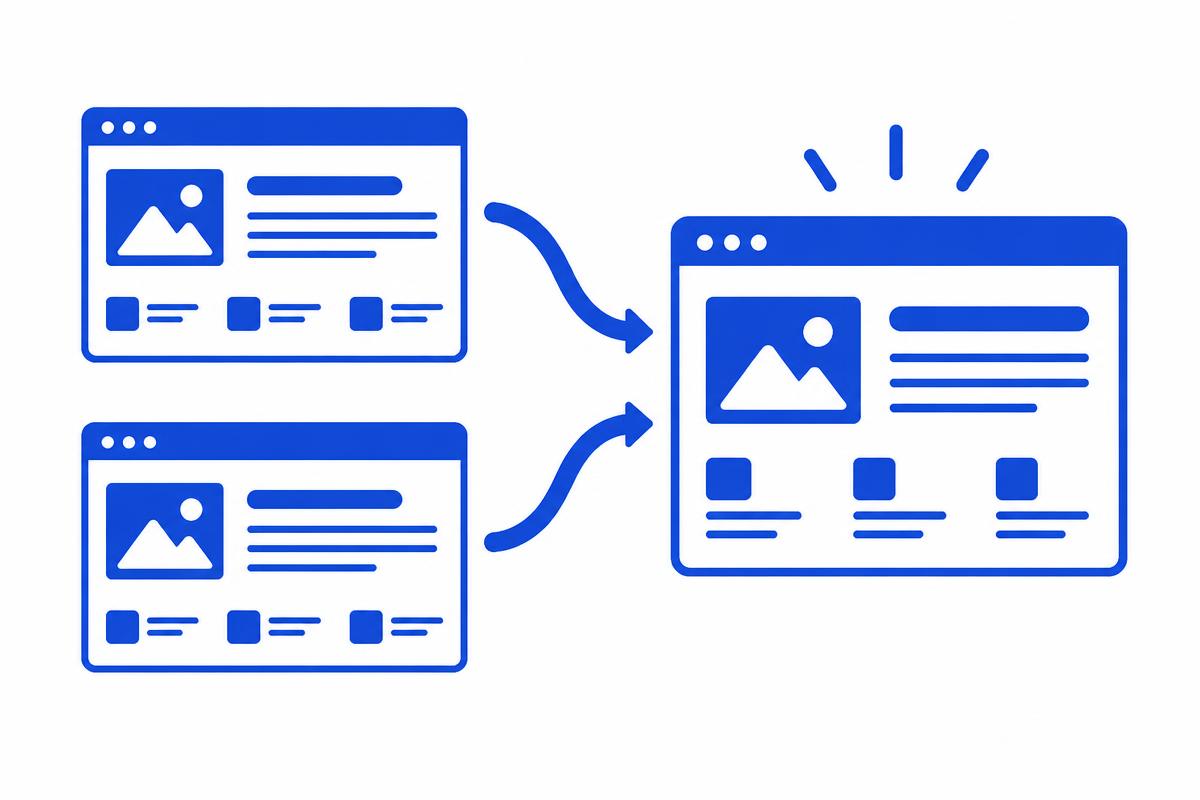
Keyword cannibalization is when two or more pages on the same website target the same keyword and the same search intent. Instead of one strong page, you end up with several weaker ones that split clicks, internal links and backlinks.
The important word is intent. Two pages can share a keyword without any problem if they serve different needs, for example a guide explaining what content strategy is and a service page selling content strategy. Cannibalization happens when both pages try to answer the same question for the same searcher.
Why cannibalization hurts rankings
- Ranking signals are split: backlinks and internal links spread across two URLs instead of strengthening one.
- Rankings fluctuate as Google switches between pages, and neither page builds stable positions.
- The wrong page can rank, for example an old blog post instead of the service page that converts.
- Crawl effort and editorial effort are wasted on near-duplicate content.
- Google may group the pages as duplicates and pick a canonical you did not choose.
How to identify keyword cannibalization
You do not need a paid checker to start. Three free methods catch most cases.
1. Use Google Search Console
Open the Performance report, filter by a query you care about, then click the Pages tab. If two or more URLs collect impressions for the same query, and their positions move in opposite directions over time, you have likely found cannibalization. Google explains how to read this report in its Performance report documentation.
2. Run a site: search
Search Google for site:yourdomain.com followed by the keyword. If several pages appear with very similar titles and descriptions, review whether they really serve different intents.
3. Map keywords to pages
Make a simple spreadsheet with every important page and its primary keyword. Duplicate keywords in the list show you exactly where pages overlap, and the sheet prevents new overlaps before you publish.
How to fix keyword cannibalization
Pick the page that should win (usually the one with the most links, traffic or conversions) and apply one of these fixes.
Merge and redirect
Combine the best parts of both pages into the stronger URL, then add a permanent 301 redirect from the weaker page. This is the most effective fix because it consolidates links and history into one page.
Differentiate the intent
If both pages deserve to exist, rewrite one so it targets a different intent or a more specific long-tail keyword. Update its title tag, H1 and introduction so the difference is obvious.
Use a canonical tag
When near-duplicate pages must stay live, such as filtered or printable versions, point a canonical tag at the preferred URL so search engines know which page to index.
Fix internal links
Point internal links with the target keyword as anchor text to the winning page only. Mixed signals from your own navigation and articles are a quiet cause of cannibalization.
How to prevent it in future
Check your keyword map before writing any new article, and update an existing page when a new idea overlaps with it rather than publishing a second version. A clear content plan with one page per intent keeps your site organised as it grows. If you want that plan built and maintained for you, see our SEO and content services.
Frequently asked questions
- What is keyword cannibalization in SEO?
- It is when several pages on one website target the same keyword and search intent, so they compete with each other in search results and split ranking signals.
- Is keyword cannibalization always bad?
- No. If two pages rank in the top results together and serve different needs, that can be fine. It becomes a problem when rankings fluctuate or the wrong page ranks.
- How do I check for keyword cannibalization for free?
- Use the Pages tab in the Google Search Console Performance report for a query, or run a site: search on Google. Several URLs for the same query is the main warning sign.
- Should I delete cannibalizing pages?
- Usually not. Merging the content into the stronger page and adding a 301 redirect keeps the weaker page's links and history instead of throwing them away.
- Can internal links cause keyword cannibalization?
- Yes. Linking to different pages with the same anchor text sends mixed signals. Our internal linking strategy guide shows how to point links at one clear page.
Keep reading
Ready to build a content engine like this?
Book a strategy call or explore our plans.
Get new guides before they're announced.
One practical guide on SEO, AI search, and content strategy whenever we publish. Unsubscribe anytime.
Mohit Gupta
Mohit Gupta is an SEO growth strategist and content specialist with over 4.5 years of experience helping B2B/B2C and SaaS companies build organic visibility and revenue. He focuses on turning complex SEO, AI search, and positioning strategies into clear, actionable insights that drive real pipeline. When not writing about organic growth systems or decoding AI search trends, he is usually studying how the best companies get found without paid ads.